First Login
Signing In
Go to admin.bookmycourt.lk and sign in with your email and password, or with Google or Apple if that's how you registered. (Continue with Apple only appears on Apple devices.)
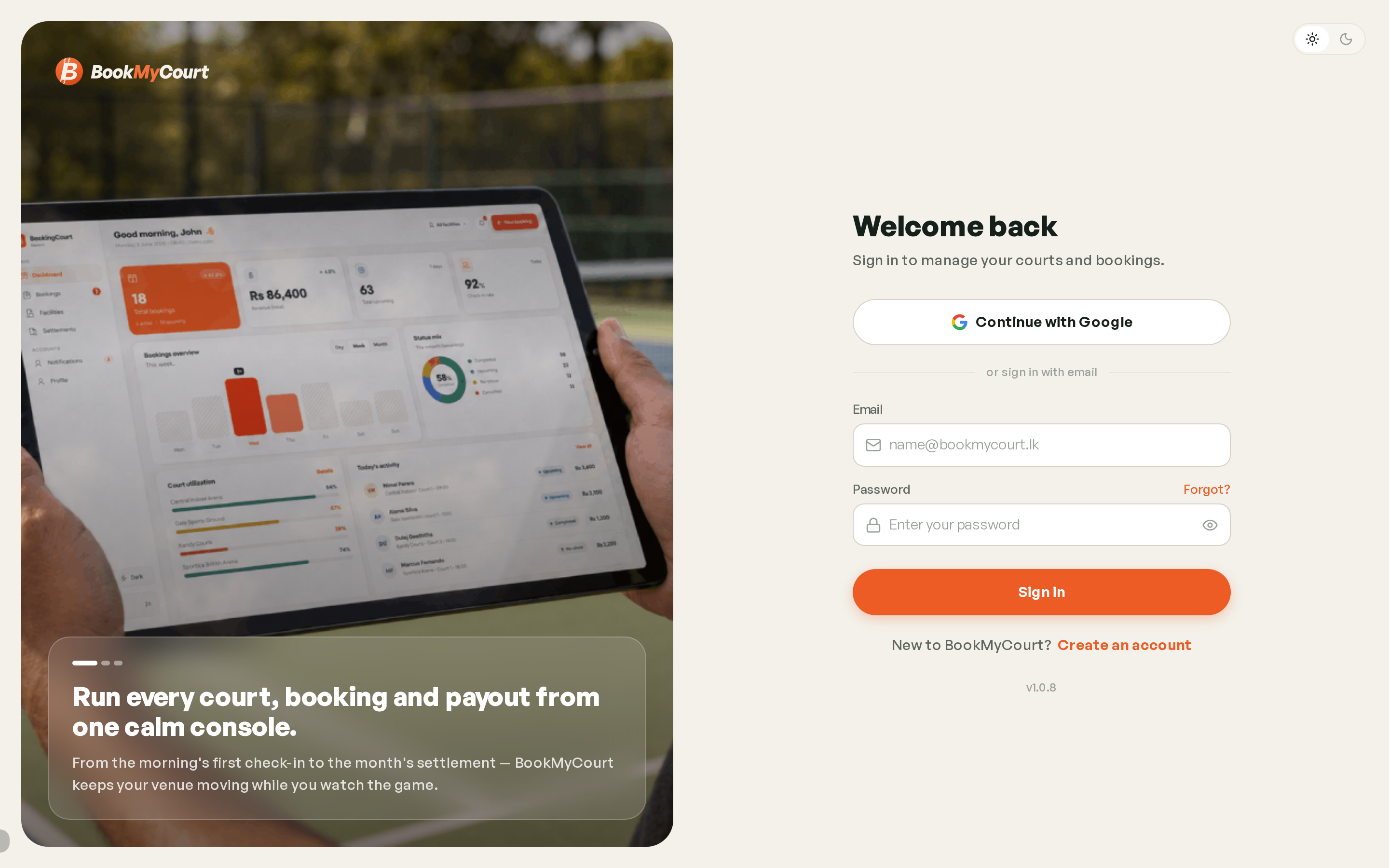
An account created with Google signs in with Google. Those accounts have no password, so the Change password option doesn't appear for them.
What You'll See
What's in your navigation depends on your role.
| Role | Destinations |
|---|---|
| Owner | Dashboard · Bookings · Facilities · Settlements · Notifications · Profile |
| Employee | Dashboard · Bookings · Notifications · Profile |
| Coach | Dashboard · Sessions · Availability · Notifications · Profile |
On desktop these sit in a sidebar down the left, grouped into Main and Account, with your profile card pinned at the bottom. On mobile the main destinations become a floating dock at the bottom of the screen, and notifications live behind the bell in the header.
Facilities and Settlements are owner-only — venue setup and money aren't part of an employee's job. If you expected them and don't see them, your account is an employee account.
Account Pending Activation
If you sign in and see a pending activation screen with no navigation, your account exists but hasn't been given a role yet. Nothing is broken — it needs activating before you can do anything.
First-Time Setup
New owner accounts go straight into the setup wizard. New coach accounts get their own, shorter one — see Getting Started as a Coach.