Payout Bank Account
BookMyCourt pays your settlements into a bank account you add, and each facility has its own payout account.
Add one before your first payout. Your weeks are still worked out without one, but BookMyCourt has nowhere to send the money.
Only the owner can see and change bank details. Employees see Payout details are only available to facility owners.
Adding an account
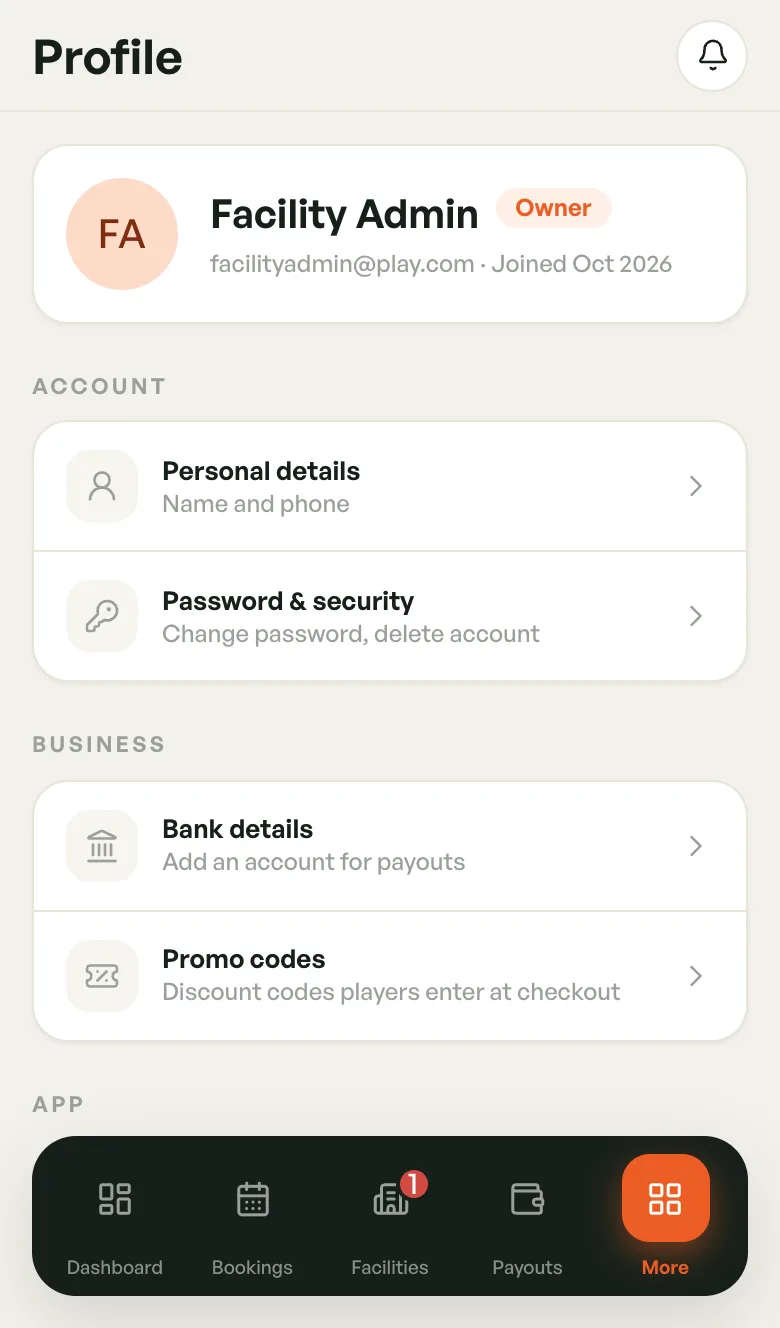
- Tap More in the bottom bar, then tap your name to open Profile.
- Under Business, tap Bank details.
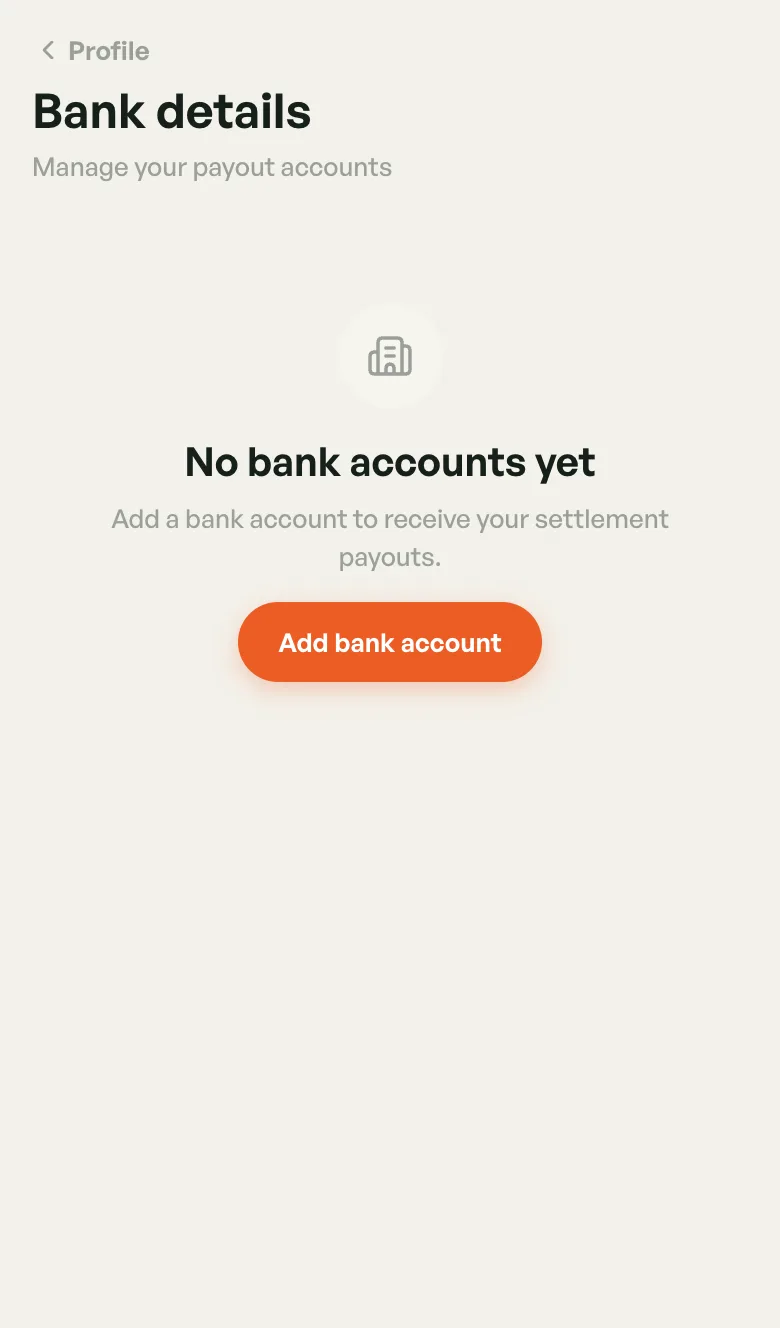
- Tap Add bank account (or Add account if you already have one).
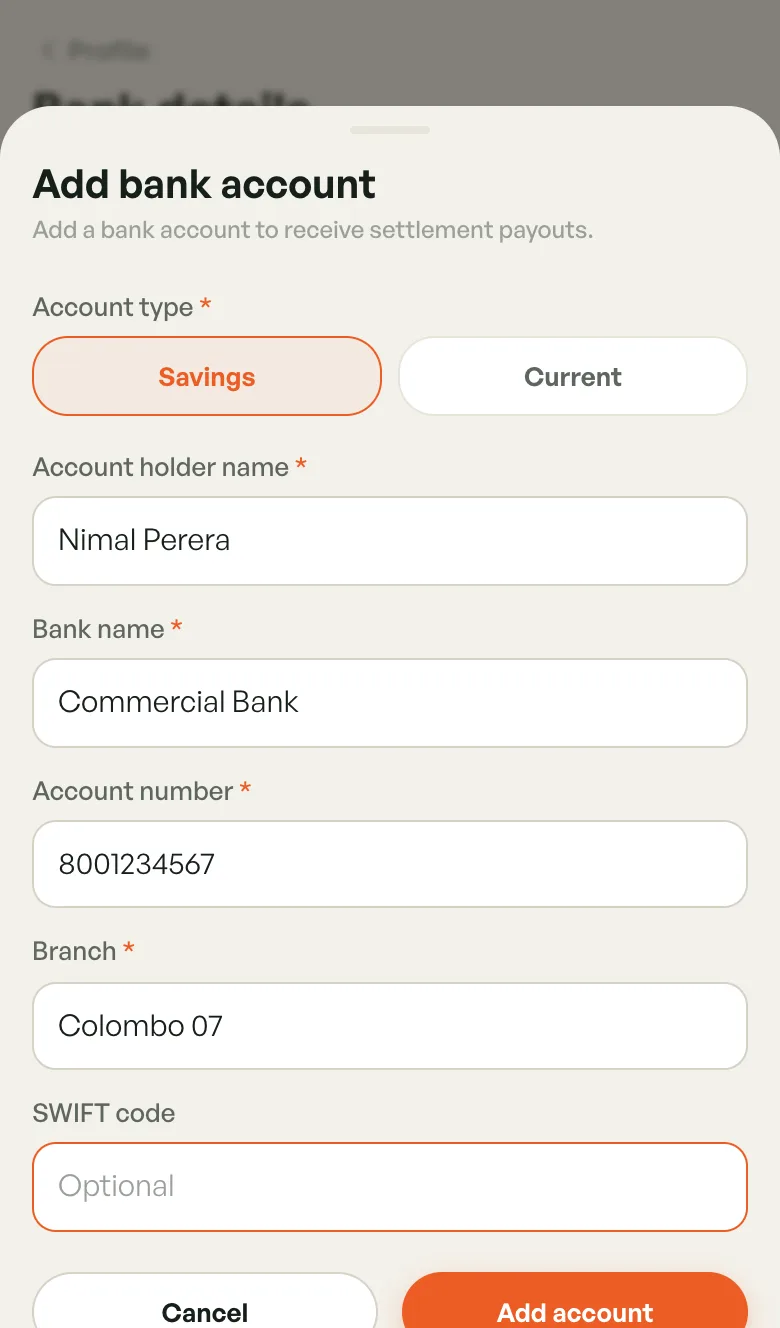
- Choose Savings or Current, then fill in the form.
- Tap Add account.
You can also get here from the dashboard: tap Finish setup, then Link a bank account.
What you'll need
- Account type — Savings or Current. Required.
- Account holder name — required.
- Bank name — required.
- Account number — required.
- Branch — required.
- SWIFT code — optional.
Type the account holder name exactly as the bank has it. A mismatch is the most common reason a transfer bounces.
Your saved accounts
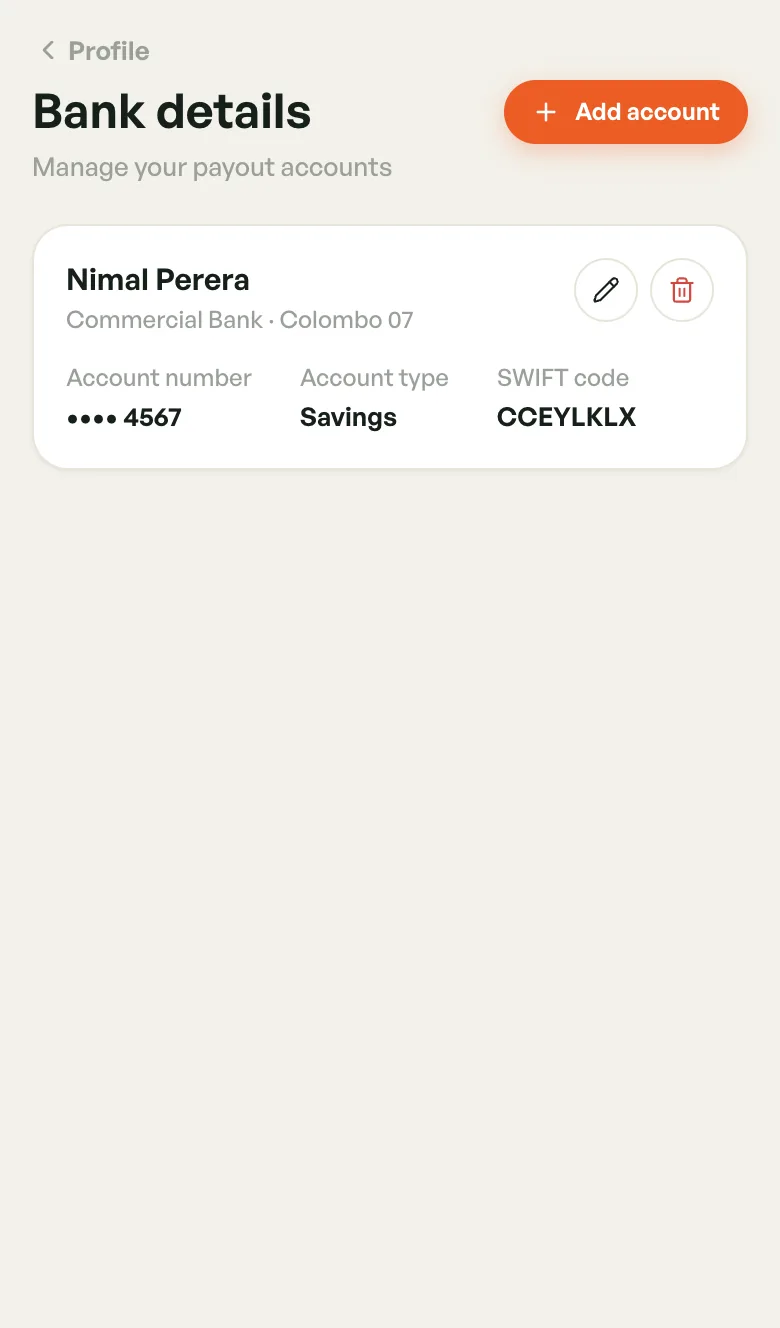
Each account shows the holder name, bank and branch, the last four digits of the account number, the account type and the SWIFT code if you added one.
- Tap the pencil to edit an account, then Save changes.
- Tap the bin to remove it, then Remove to confirm.
Removing an account also unlinks it from any facility that used it. Those facilities then have no payout account until you pick another.
Picking the account for each facility
Each facility pays into the account you choose for it. You can use one account for all your venues, or a different one for each.
- Tap Facilities in the bottom bar and open the facility.
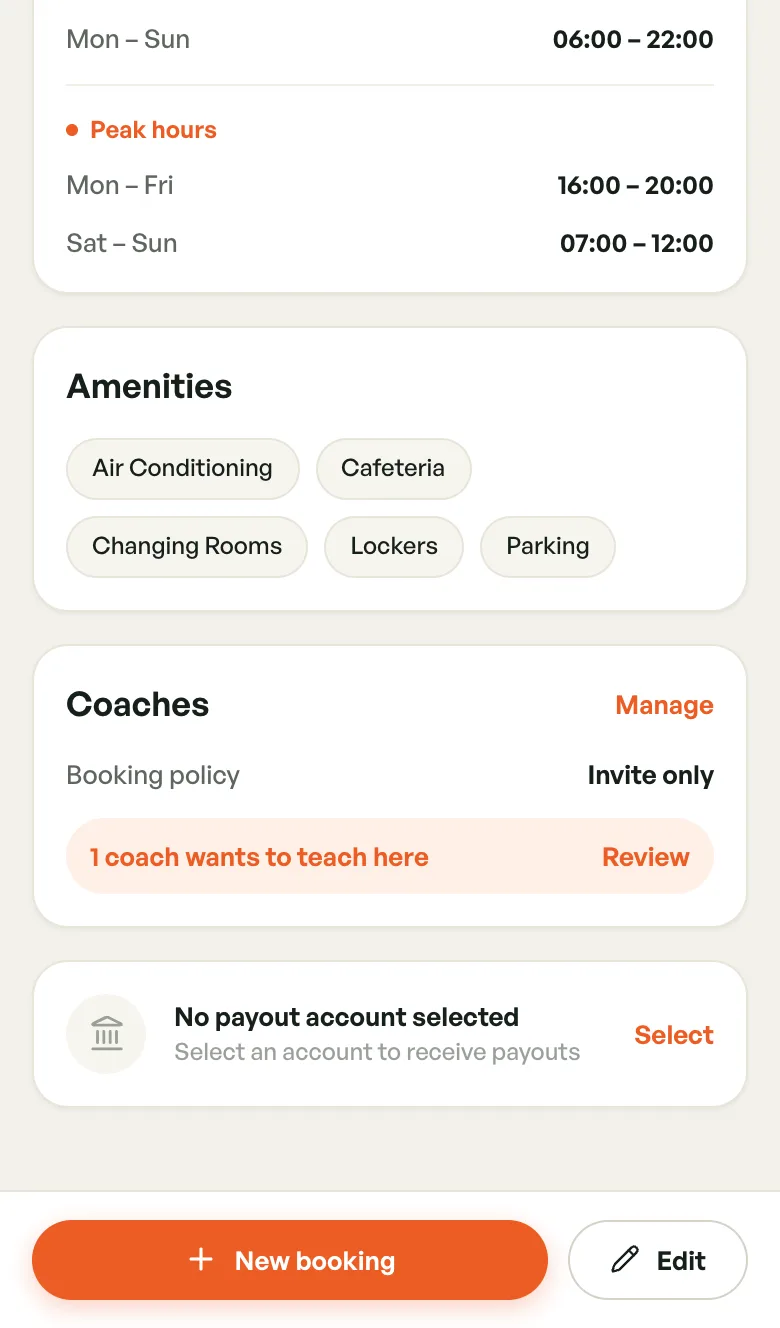
- Scroll to the bottom to the payout account card.
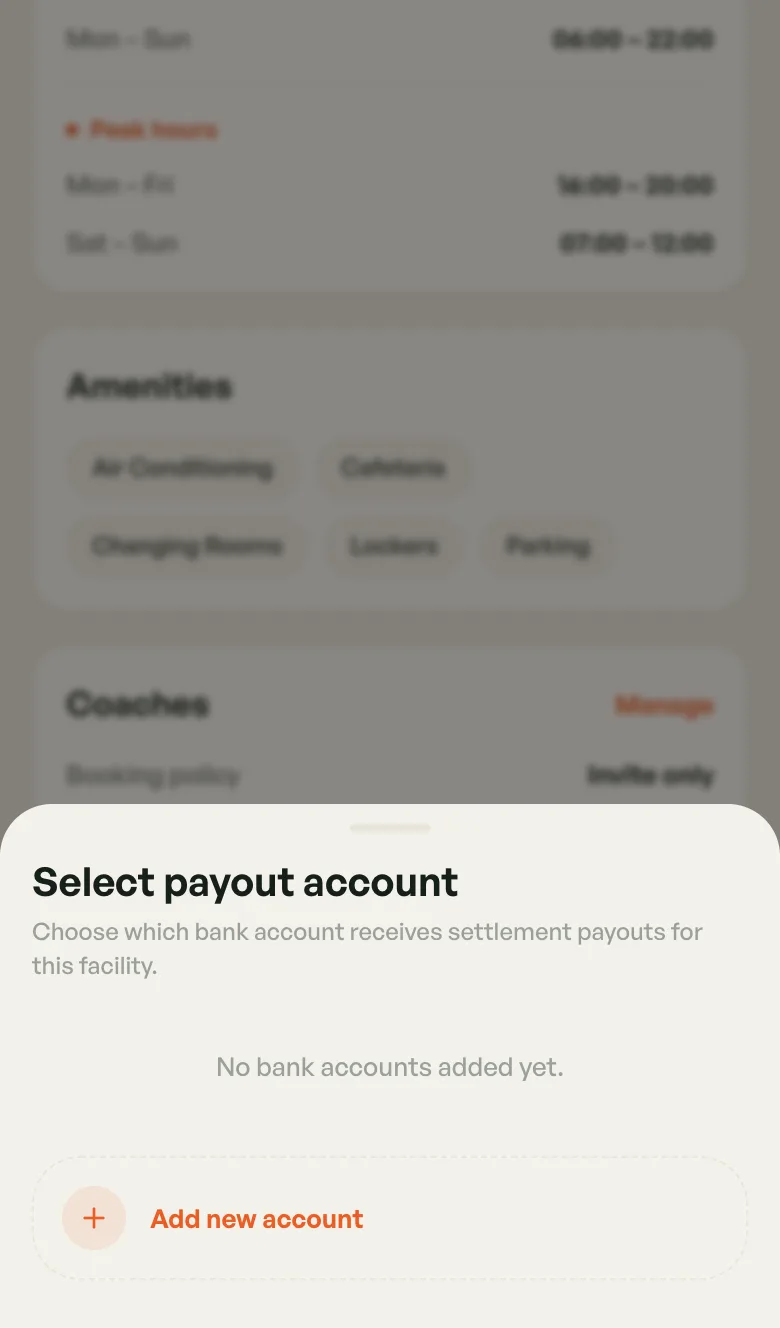
- Tap Select (or Change if one is already picked).
- Tap the account you want. To add a new one here, tap Add new account.
If the card reads No payout account selected, that facility's payouts have nowhere to go yet. The same card is on the facility's Edit screen.
If you add your bank account while setting up your first venue (the optional Where should payouts go? step), it's picked for that venue automatically.
Next
See what you're owed in Settlements Overview.