Creating a Facility
Add another venue to your account from one form.
Your first venue is set up during onboarding, the first time you sign in. See Setting Up Your Venue. Use this page when you add another one later.
Opening the form
- Tap Facilities in the bottom bar.
- Tap the orange + button. On a computer, click Add facility.
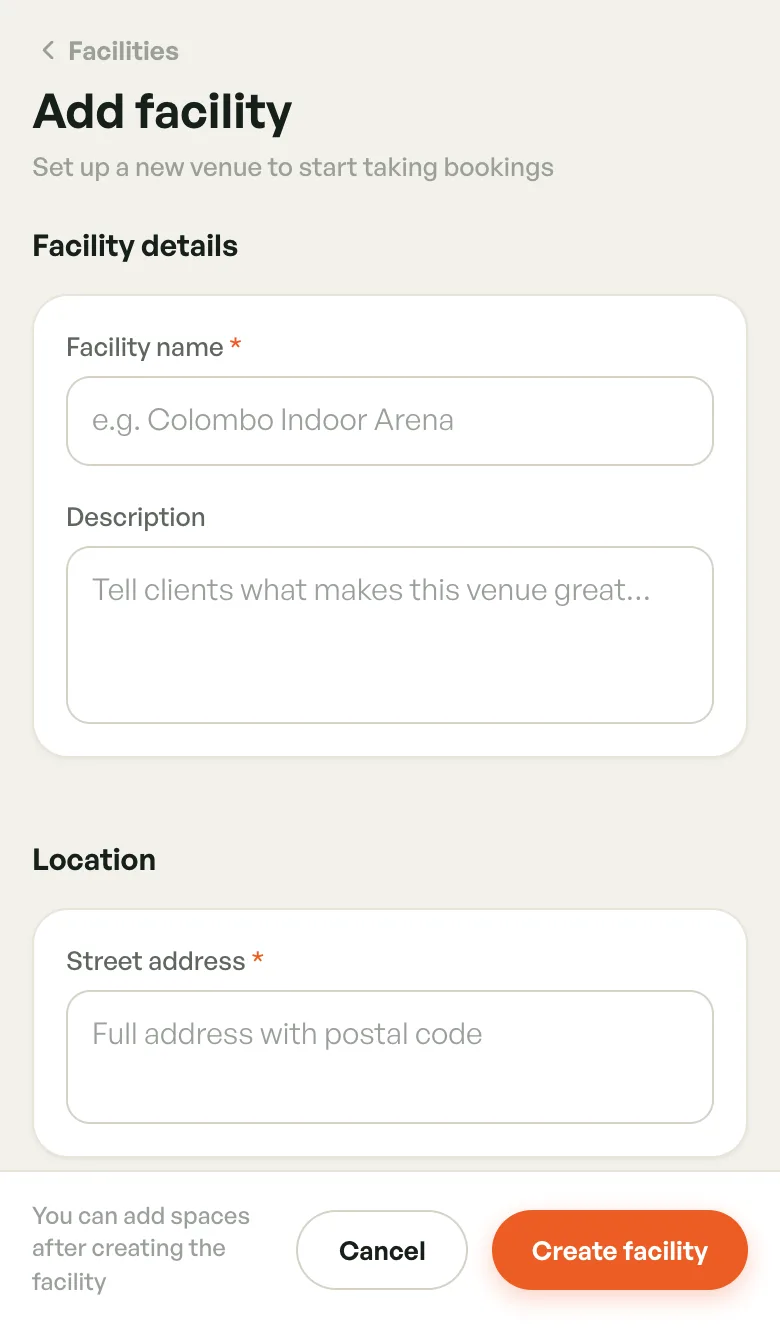
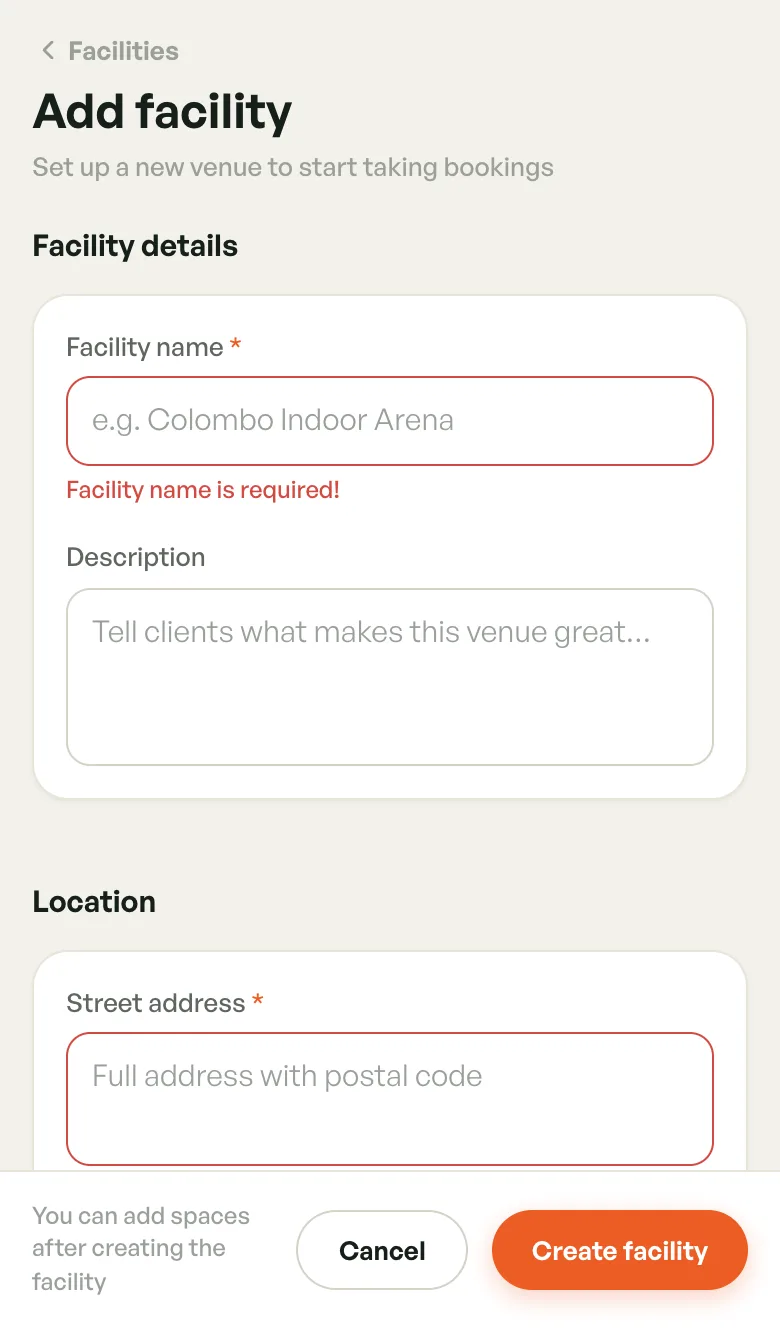
The Add facility form opens. Scroll down through its sections, then tap Create facility at the bottom.
Facility details and location
- Facility name (required) — what players see, e.g. Colombo Indoor Arena
- Description — tell players what makes the venue great
- Street address (required) — the full address, including the postal code
Contact
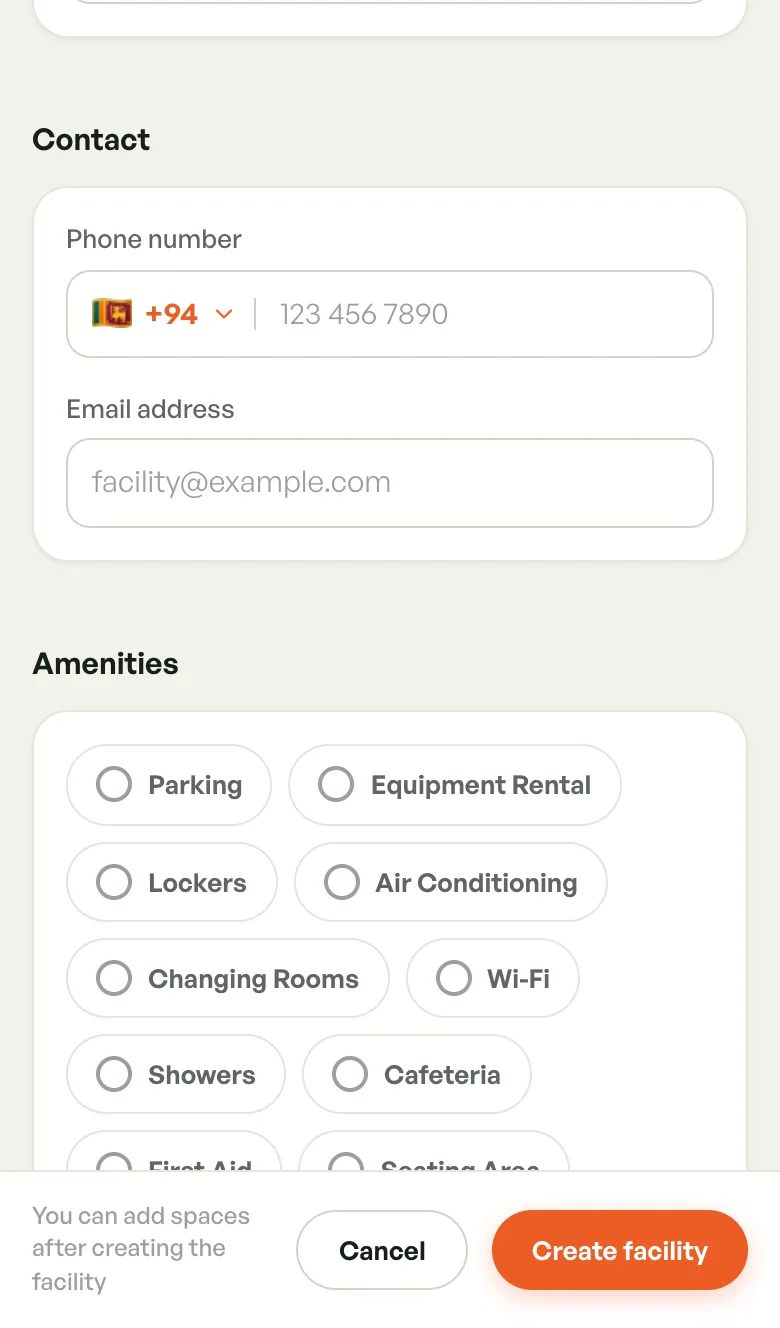
- Phone number — pick the country code (Sri Lanka +94 is preselected), then type the number. It's optional, but if you enter one it must be a valid number.
- Email address — the venue's contact email. You can't create the facility without one.
Amenities
Tap each amenity your venue has, such as Parking, Lockers, Changing Rooms, Wi-Fi, Showers or Cafeteria. Ticked amenities appear on the facility page and in the player app.
Operating hours
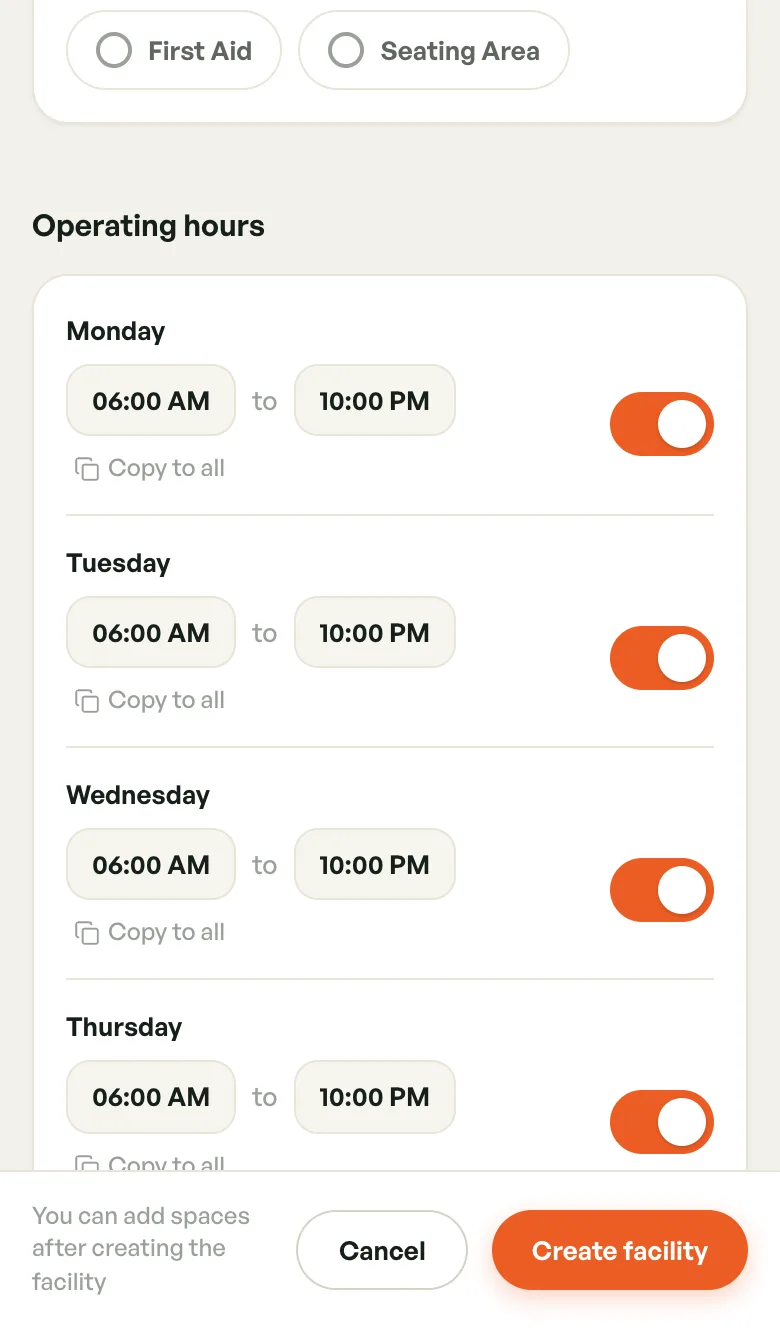
Each day starts open from 06:00 AM to 10:00 PM.
- Tap a time to change it.
- Turn a day's switch off to close the venue that day.
- Tap Copy to all under a day to give every day the same hours.
You can fine-tune hours later, and add peak pricing and closures. See Operating Hours.
Photos
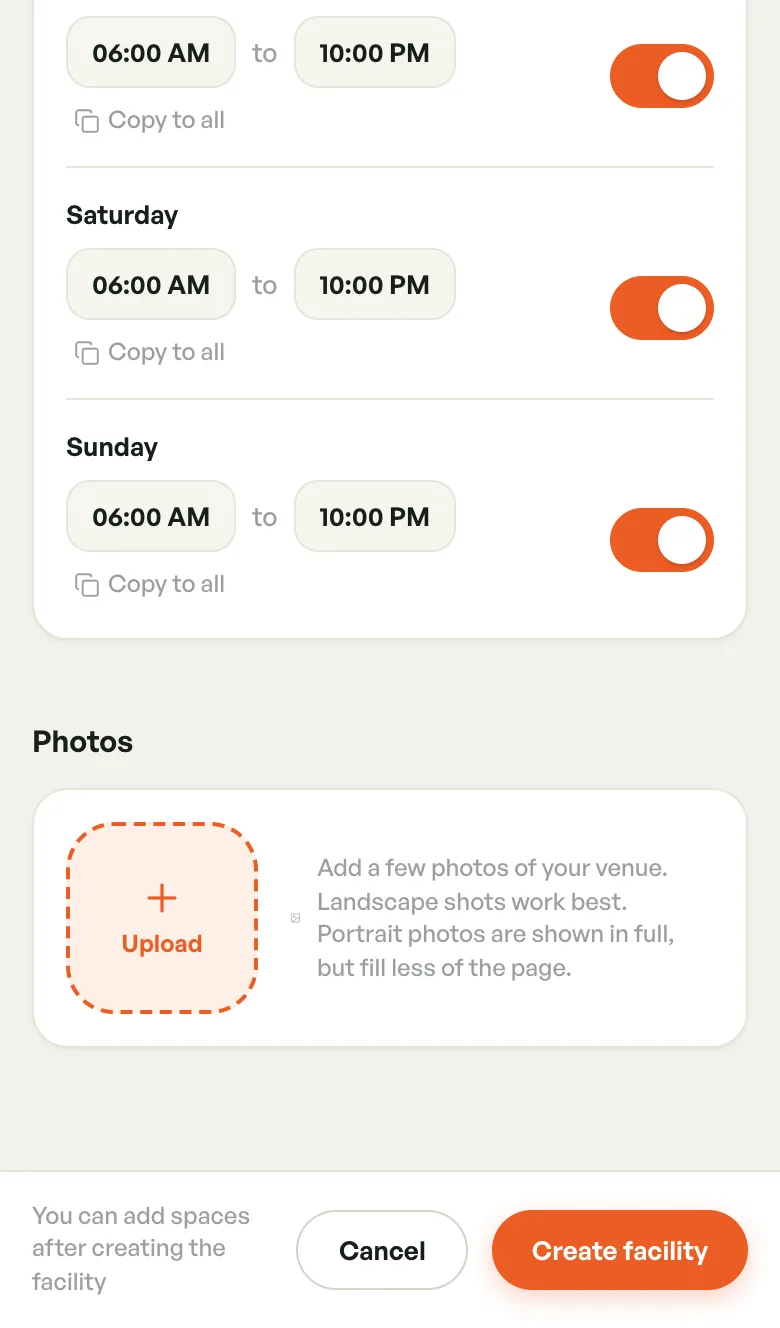
Tap Upload to add photos of your venue. Landscape shots work best. You can remove a photo before saving with the X on it.
Photos are optional. Without them, players see an illustration of the venue's first sport, marked Sample image.
Saving
Tap Create facility. If something is missing, the field turns red with a message such as Facility name is required!. Fix it and tap Create facility again.
Once the venue is saved, its facility page opens. Cancel closes the form. If you've typed anything, the app asks before discarding it.
After saving: make it bookable
A new venue isn't open to players yet. To get it ready:
- Add at least one space (court, net or pitch). Until then the venue shows Setup pending. See Managing Courts.
- Request to publish from the facility page. Players can't find the venue until our team approves it. See Going live.
- Pick a payout account so earnings reach your bank. See Payout account.
If you want coaches to teach at the venue, set its coach policy in Coaches at Your Venue.